

Music Collection Organization Best Practices That Work
July 2, 2026
Music Collection Organization Best Practices That Work
Music collection organization best practices are defined as the consistent, metadata-driven methods that make your library easy to search, enjoy, and share. Whether you own 200 vinyl records or 20,000 digital files, the system you build determines how fast you find what you want. Tools like Discogs for vinyl and Pedro for digital libraries give collectors real control over their catalogs. Consistency in naming and tagging makes any library scannable and shareable, which is the foundation every good collection is built on.
1. What are the best music collection organization best practices?
The most effective music library management system combines a structured audit, smart metadata tagging, purposeful playlists, and a regular maintenance schedule. No single step works alone. Each one builds on the last, and skipping any of them creates gaps that grow harder to fix over time.
Here is the full sequence that works:
- Run a full library audit first. Identify duplicates, missing metadata, and files with no artwork. You cannot organize what you have not counted.
- Set your folder structure. Keep it broad: /Artist/Album is the right depth for most collectors. Avoid deep nesting because it complicates navigation and makes maintenance harder.
- Standardize your core metadata fields. Artist, album, genre, year, and track number are non-negotiable. Fill every field the same way, every time.
- Apply mood and function tags. Tags like “chill,” “focus,” “energetic,” and “workout” let you pull playlists by feel, not just genre.
- Build purposeful playlists. Organize them by mood, activity, or function. A “Sunday Morning” playlist and a “Late Night Drive” playlist serve different needs than a genre folder ever could.
- Schedule regular cleanups. Monthly reviews handle new finds. Quarterly audits merge duplicates and retire outdated tags.
- Back up everything. A collection you cannot recover is a collection you do not really own.
Pro Tip: Limit yourself to 8–15 standardized mood and function tags. More than that and searchability drops because no two people tag the same track the same way twice.
2. How do digital and vinyl music collections differ in organization?

The best ways to organize music depend heavily on the format you are working with. Digital and vinyl collections share the same goal, which is fast retrieval and enjoyable browsing, but they use completely different tools and logic to get there.
Vinyl scales with size. For collections under 300 records, alphabetical by artist is enough. Once you cross 1,000 records, a multi-level system using genre and chronology becomes necessary. Cataloging apps like Discogs handle lookup and searchability at that scale far better than any physical sorting method.
Digital collections are metadata-first. The folder on your hard drive tells you where a file lives. The metadata tag tells you what that file is and how it fits your collection. These are two separate jobs, and mixing them up is the most common mistake collectors make. Tools like Pedro let you preview file changes before applying them, which prevents the kind of accidental overwrites that can wipe out years of careful tagging.
| Feature | Digital collection | Vinyl collection |
|---|---|---|
| Primary organization layer | Metadata tags | Physical sorting method |
| Recommended tools | Pedro, music tag editors | Discogs, manual catalog |
| Scale flexibility | High, thousands of files | Medium, physical limits apply |
| Browsing experience | Search-driven | Browse-driven |
| Backup requirement | Critical, 3-2-1 rule | Physical storage conditions |
| Best entry-level system | /Artist/Album folder + tags | Alphabetical by artist |
Pro Tip: If you use Discogs for vinyl, add personal notes in the “Notes” field for pressing details or condition grades. That context is invisible to buyers but invaluable to you as a collector.
3. What metadata tagging and playlist curation strategies actually work?
Metadata tags are the functional layer of any music library. Experts confirm that folders show you where a file lives, but tags tell you how to use it. Getting this distinction right changes how you experience your entire collection.
The most effective approach is a multi-pass workflow:
- Pass 1 (Inbox): New music lands in a single “Inbox” folder. Nothing gets filed until it is tagged.
- Pass 2 (Base tags): Apply artist, album, genre, and year. These never change.
- Pass 3 (Mood and function tags): Add tags like “chill,” “focus,” “energetic,” or “late night.” These are your curation layer.
- Pass 4 (Rating and shortlisting): Rate tracks you love. Flag ones you want in a master playlist.
This workflow keeps your library clean from the moment new music enters it. Skipping the inbox step is how collections become disorganized in the first place.
For playlists, build by purpose rather than genre. A “Focus Work” playlist and a “Pre-Game” playlist are more useful than a “Hip-Hop” folder because they match how you actually listen. Maintain a master playlist for your all-time favorites, and prune it every quarter. Merge playlists that overlap. Retire ones you never play.
Pro Tip: Use the Comments or Notes field in your tag editor to store personal ratings, transition cues, or BPM notes. This field is almost always empty in standard libraries, which means it is yours to use however you want.
Keeping your vocabulary consistent across mood tags is the detail most collectors overlook. If you tag one track “chill” and another “Chill” and a third “chilled out,” your search returns three separate buckets. Pick one word and use it every time.
4. What maintenance routines keep your music library organized?
A music library without a maintenance schedule degrades. New files arrive untagged, duplicates accumulate, and playlists go stale. Audits every 3–6 months keep metadata consistent and collections manageable. Here is how to structure that schedule:
- Monthly quick cleanup. Process your Inbox folder. Remove dead tracks, broken files, and anything you added impulsively and do not actually want. This takes 20–30 minutes if you do it consistently.
- Quarterly audit. Merge duplicate entries, retire tags you no longer use, and update your master playlists. Review your genre and mood tag vocabulary for consistency.
- Annual or semiannual full review. Treat this like a physical inventory. Check every major folder, confirm your backup is current, and decide whether your overall system still fits how your collection has grown.
Backing up your collection is not optional. The 3-2-1 backup strategy means three copies of your data, stored on two different media types, with one copy kept offsite. A physical drive at home, a second drive at a friend’s place, and a cloud backup like Backblaze or Google One covers all three requirements.
The single most common reason collectors lose years of tagging work is skipping the backup step. A hard drive failure is not a question of if. It is a question of when.
Use software with built-in duplicate detection and health checks. Pedro, for example, lets you audit and preview changes before touching any files. That preview step is what separates a safe cleanup from an irreversible mistake. Explore music genres on Arteest to stay current on how genre categories are evolving, which helps you keep your own genre tags accurate over time.
Key takeaways
The most effective music collection organization system is built on consistent metadata tagging, a simple folder structure, purposeful playlists, and a scheduled maintenance routine.
| Point | Details |
|---|---|
| Metadata over folders | Tags are your curation layer; folders only show file location. |
| Scale your vinyl system | Use alphabetical for under 300 records; add genre and chronology above 1,000. |
| Limit mood tags | Keep 8–15 standardized tags to maintain searchability across your library. |
| Schedule maintenance | Monthly cleanups and quarterly audits prevent long-term collection decay. |
| Back up with 3-2-1 | Three copies, two media types, one offsite location protects your entire catalog. |
Why I stopped organizing by folder and never looked back
I spent two years building what I thought was a perfect folder system. Genre at the top level, then decade, then artist, then album. It looked great in a file browser. It was completely useless when I wanted to find something to play.
The shift happened when I started treating metadata as the real collection and the folder as just a parking spot. Once I committed to consistent mood and function tags, I could pull a “late night instrumental” playlist in seconds. That is something no folder tree ever gave me.
The other thing I learned the hard way is that complexity kills consistency. I once had 40 mood tags. Nobody can maintain 40 mood tags. I cut it to 12 and my tagging accuracy went up immediately because I stopped second-guessing every track. The best organization method is the one you will actually maintain, not the one that looks most impressive in a screenshot.
For vinyl, Discogs changed everything. Before it, I had a rough mental map of my shelves. After cataloging my collection there, I could search by label, pressing country, and year simultaneously. That is a level of access no physical sorting system can match.
My honest advice: start with the simplest system that covers your actual listening habits. Add complexity only when the simple version stops working. Most collectors never need to go beyond artist, genre, year, and two or three mood tags. The digital music promotion guide from StangrTheMan makes a similar point about playlist curation for artists, which applies equally well to personal libraries.
— Jorel
Discover and organize your music world with Arteest
Arteest is a premium music discovery platform built for collectors who take their libraries seriously. Every artist, band, record label, producer, and engineer on Arteest has a dedicated page showing their complete career in chronological order. You get the full picture, not just the hits.
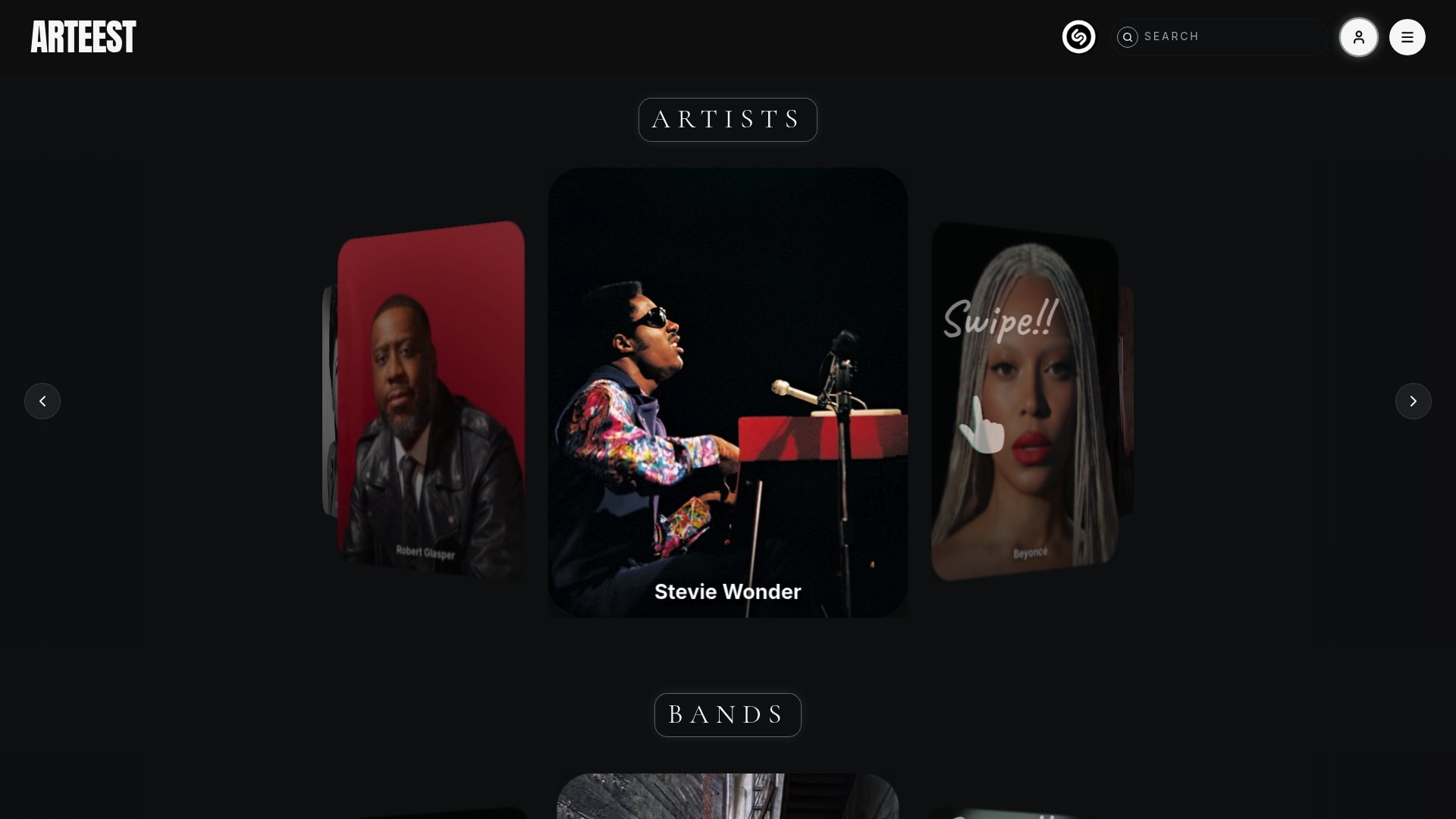
Your personal profile on Arteest lets you build collections and bins of favorite artists, create filterable lists, and share them directly to social media or text them to friends as a PNG or MOV file. If you are already putting the work into organizing your music library, Arteest gives that work a place to live and a way to share it. Browse all artists on Arteest and start building a collection worth showing off.
FAQ
What is the most important step in organizing a music collection?
Standardizing your metadata tags is the single most important step. Consistent tagging makes your library searchable, browsable, and shareable in ways that folder structures alone cannot achieve.
How often should I audit my music library?
Run a quick cleanup monthly and a full audit every 3–6 months. Monthly and quarterly cadences keep metadata consistent and prevent duplicates from accumulating.
What is the best way to organize a large vinyl collection?
Use alphabetical sorting for collections under 300 records. For collections between 1,000 and 3,000 records, multi-level organization by genre and chronology, supported by Discogs, is the most effective approach.
How many mood tags should I use in my digital music library?
Stick to 8–15 standardized mood and function tags. More than that creates inconsistency because you will tag the same type of track differently each time, which breaks your search results.
What is the 3-2-1 backup rule for music collections?
The 3-2-1 backup strategy means keeping three copies of your collection on two different media types, with one copy stored offsite. This protects your catalog from hardware failure, theft, or disaster.